Convert a Gmsh Mesh to VABS#
Problem Description#
An external CAD + Gmsh workflow produces a 2D section mesh. Convert it into a VABS input file, with materials and analysis settings supplied alongside the mesh.
Solution#
The example uses an SG manifest (see SG Manifest):
sg21_box_quad4_min_gmsh41.msh— the section mesh and its physical groupssg21_box_quad4_min_gmsh41.sg.json— the manifest referencing the mesh, withsgdim, model type, model space, analysis configuration, materials and sections
import logging
from pathlib import Path

import sgio

logging.basicConfig(level=logging.INFO)
cwd = Path(__file__).resolve().parent

manifest = cwd / 'sg21_box_quad4_min_gmsh41.sg.json'
output_file = cwd / 'sg21_box_quad4_min_gmsh41.sg'

# The SG manifest references sg21_box_quad4_min_gmsh41.msh and carries the SG parameters,
# materials and sections the mesh cannot hold.
sg = sgio.read(str(manifest), 'sg_manifest')

print(sg)

sgio.write(
    sg=sg,
    filename=str(output_file),
    file_format='vabs',
)

plotter = sgio.plot_sg_pyvista(
    sg,
    show_local_axes=True,
)
plotter.off_screen = True
plotter.show(screenshot=str(cwd / "pyvista.png"), auto_close=False)
plotter.close()
sgio.read() with 'sg_manifest' reads the manifest and the mesh into a
sgio.StructureGene, which sgio.write() then emits as VABS input.
This is the recommended path for external CAD + Gmsh workflows.
Result#
sg21_box_quad4_min_gmsh41.sg is written, ready for VABS.
uv run python examples/convert_gmsh_to_vabs/run.py
File List#
run.py: Main Python script
sg21_box_quad4_min_gmsh41.msh: Gmsh section mesh
sg21_box_quad4_min_gmsh41.sg.json: SG manifest
sg21_box_quad4_min_gmsh41.sg: Generated VABS input
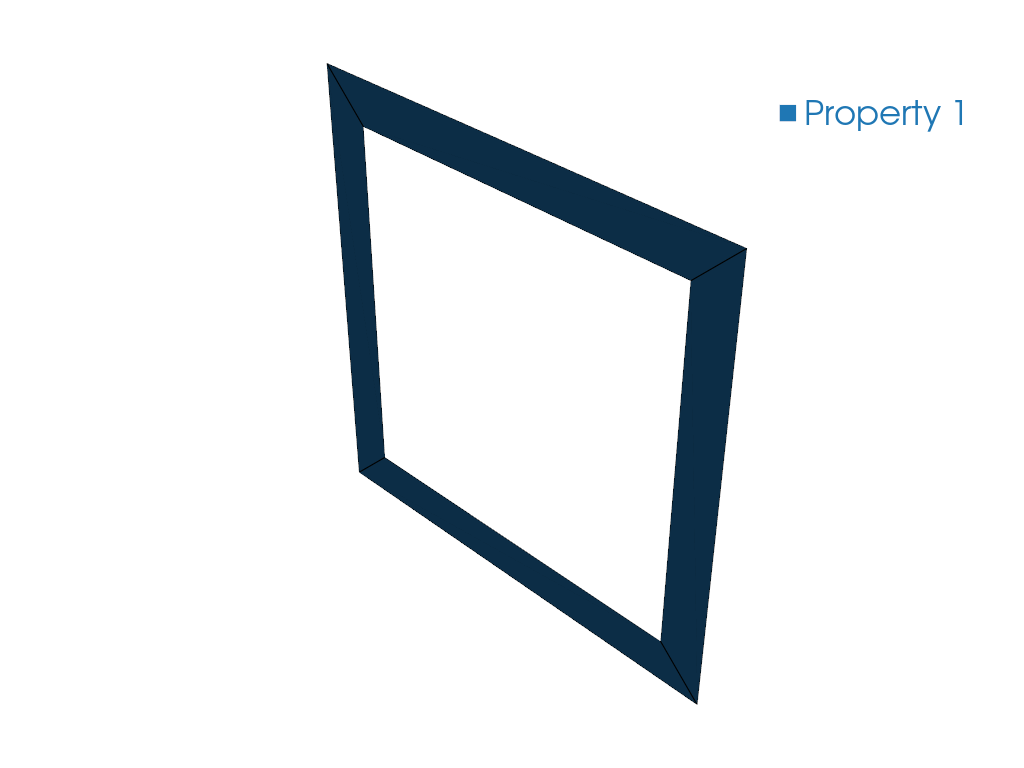
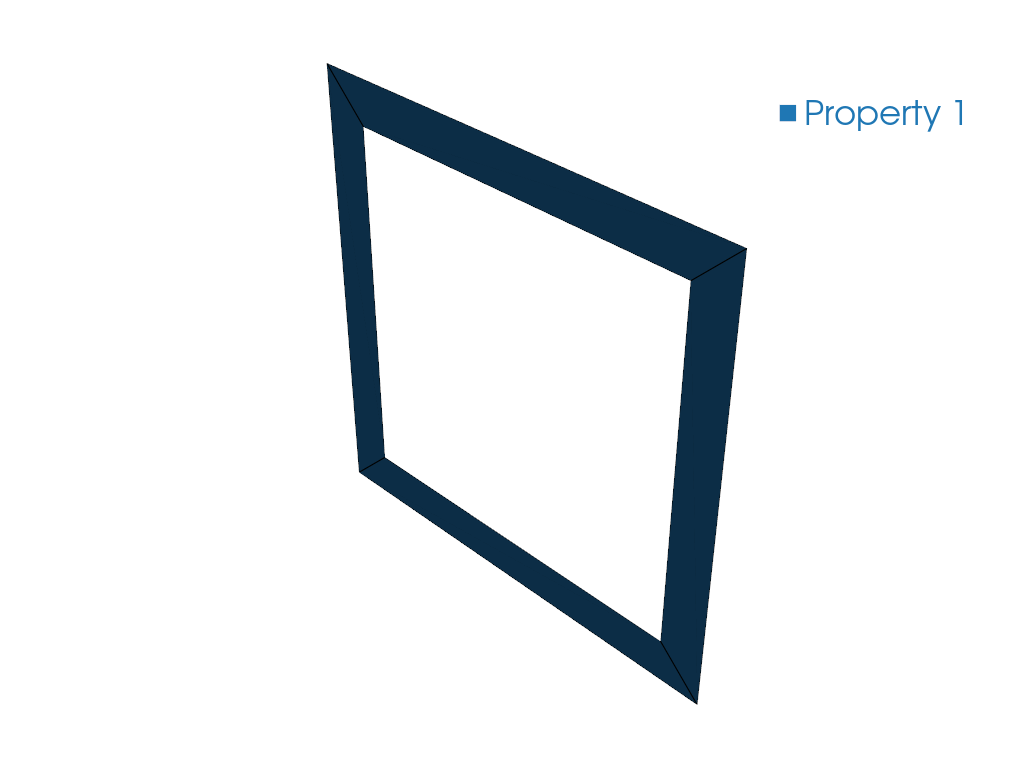
pyvista.png: PyVista mesh preview