Convert Abaqus Cross-Section to VABS#
Problem Description#
Given a 2D beam cross-section mesh created in Abaqus (.inp format), convert it to a VABS input file for beam property homogenization using the Timoshenko beam model.
Solution#
The .inp file does not state the SG parameters sgdim, model_type and
model_space. There are two ways to supply them, one script each; both write
the same VABS input.
model_type='BM2' selects the Timoshenko beam model (includes shear
deformation). Use 'BM1' for the classical Euler-Bernoulli model.
Method 1: API arguments#
The SG parameters are arguments of sgio.convert().
"""Method 1: pass the SG parameters as arguments of ``sgio.convert``."""
import logging
from pathlib import Path

import sgio

logging.basicConfig(level=logging.INFO)

cwd = Path(__file__).resolve().parent

# The Abaqus file holds the mesh, materials and sections, but not the SG
# parameters, so they are given as arguments.
sg = sgio.convert(
    str(cwd / 'sg2_airfoil.inp'),  # Name of the Abaqus inp file.
    str(cwd / 'sg2_airfoil.sg'),  # Name of the VABS file.
    'abaqus', # Format of the CS data converted from.
    'vabs', # Format of the CS data converted to.
    sgdim=2, # Cross-section mesh lies in a 2D plane.
    model_space='xy', # The mesh plane is x-y.
    model_type='BM2', # Structural model: Timoshenko.
)

plotter = sgio.plot_sg_pyvista(
    sg,
    show_local_axes=True,
)
plotter.off_screen = True
plotter.show(screenshot=str(cwd / "pyvista.png"), auto_close=False)
plotter.close()
Method 2: SG manifest#
sg2_airfoil.sg.json (see SG Manifest) references the .inp file
and holds the same parameters, so the conversion takes no SG arguments:
{
  "sg_manifest_version": 1,
  "model_file": {
    "path": "sg2_airfoil.inp",
    "format": "abaqus"
  },
  "sgdim": 2,
  "model_type": "BM2",
  "model_space": "xy"
}
"""Method 2: read the SG parameters from the SG manifest."""
import logging
from pathlib import Path

import sgio

logging.basicConfig(level=logging.INFO)

cwd = Path(__file__).resolve().parent

# sg2_airfoil.sg.json references sg2_airfoil.inp and holds the SG parameters,
# so the conversion takes no SG arguments. It writes the same VABS input as
# run_1_api.py.
sg = sgio.convert(
    str(cwd / 'sg2_airfoil.sg.json'),
    str(cwd / 'sg2_airfoil.sg'),
    'sg_manifest',
    'vabs',
)

# Export the converted section as a Gmsh mesh with its SG manifest, for
# visualization or downstream Gmsh-based workflows. A .msh file carries no
# materials or SG parameters, so a Gmsh export is always written this way.
sgio.write(
    sg=sg,
    filename=str(cwd / 'main.sg.json'),
    file_format='sg_manifest',
    format_version='4.1',
    model_file='main.msh',
    model_file_format='gmsh',
)

plotter = sgio.plot_sg_pyvista(
    sg,
    show_local_axes=True,
)
plotter.off_screen = True
plotter.show(screenshot=str(cwd / "pyvista.png"), auto_close=False)
plotter.close()
This script also writes the section as a Gmsh mesh main.msh with its manifest
main.sg.json. A .msh file holds no materials or SG parameters, so a Gmsh
export is always written through a manifest.
Result#
A VABS input file sg2_airfoil.sg is written to the example directory and can be passed directly to VABS for homogenization.
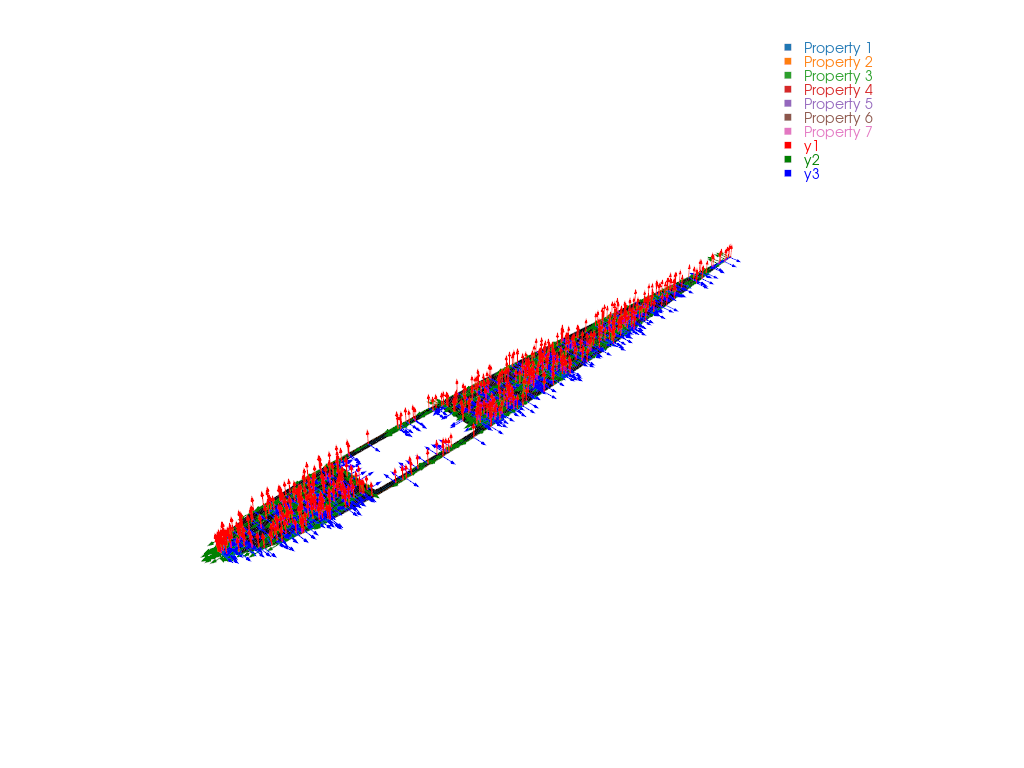
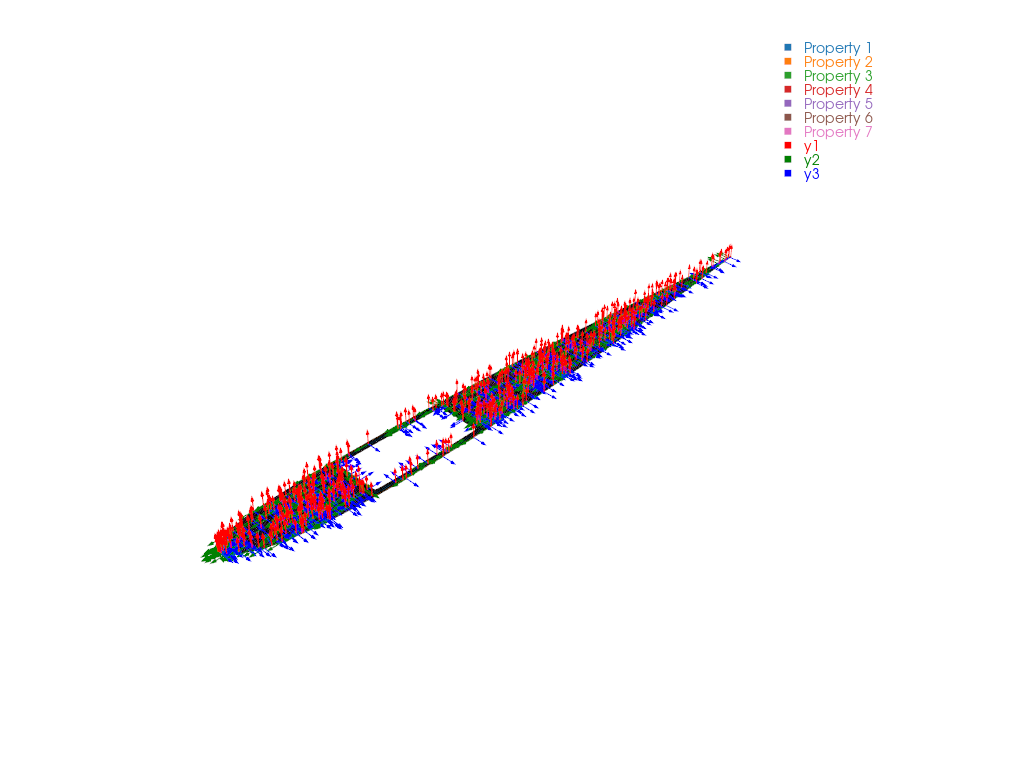
To inspect the Abaqus mesh and its per-element material directions before homogenization, see Visualize Abaqus Element Local Coordinate Systems.
File List#
run_1_api.py: Conversion with SG arguments
run_2_manifest.py: Conversion through the SG manifest
sg2_airfoil.inp: Abaqus cross-section input file
sg2_airfoil.sg.json: SG manifest for the Abaqus input
pyvista.png: PyVista mesh and local-axis preview