Plot Cross-Section with Beam Properties#
Problem Description#
This example demonstrates how to visualize a VABS cross-section geometry with beam properties overlay using SGIO.
Solution#
"""Example: Plot Cross-Section with Beam Properties

This example demonstrates how to:
1. Read a VABS cross-section input file
2. Read the corresponding VABS output (beam properties)
3. Visualize the cross-section with property overlay

The plot shows the cross-section geometry with beam properties like
neutral axis, shear center, and principal axes.
"""
from pathlib import Path

import matplotlib

matplotlib.use('Agg')

import matplotlib.pyplot as plt
import sgio
from sgio import plot_sg_2d, plot_model_2d, plot_matrix, plot_matrix_bar3d

input_file = 'sg21eb_tri3_vabs40.sg'
output_file = 'sg21eb_tri3_vabs40.sg.K'

# Read VABS output (beam properties)
model = sgio.read_output_model(output_file, 'vabs', model_type='BM1')

# Read VABS input (cross-section mesh)
cs = sgio.read(input_file, 'vabs')

plotter = sgio.plot_sg_pyvista(
    cs,
    show_local_axes=True,
)
plotter.off_screen = True
plotter.show(
    screenshot=str(Path(__file__).resolve().parent / 'pyvista.png'),
    auto_close=False,
)
plotter.close()

# Create plot

# Create figure and axis
fig, ax = plt.subplots(figsize=(10, 8))

# Plot cross-section geometry, then overlay the beam properties
plot_sg_2d(cs, ax)
plot_model_2d(model, ax)

# Add labels
ax.set_xlabel(r'$x_2$ (m)', fontsize=12)
ax.set_ylabel(r'$x_3$ (m)', fontsize=12)
ax.grid(True, alpha=0.3)
ax.set_aspect('equal')

# Display the plot
plt.tight_layout()
fig.savefig('sg21eb_tri3_vabs40.png', dpi=300)
# print("\nDisplaying plot... (close window to exit)")
# plt.show()
plt.close(fig)


# Plot stiffness matrix
stf_matrix = model.stff

fig2, ax2 = plt.subplots(figsize=(8, 6))
plot_matrix(
    stf_matrix, fig=fig2, ax=ax2,
    annotate=True, font_size=8, symlog=True
    )
fig2.savefig('stiffness_matrix.png', dpi=300)
plt.close(fig2)

fig3 = plt.figure(figsize=(8, 6))
ax3 = fig3.add_subplot(projection='3d')
plot_matrix_bar3d(
    stf_matrix, fig=fig3, ax=ax3,
    symlog=True
    )
fig3.savefig('stiffness_matrix_3d.png', dpi=300)
plt.close(fig3)
Result#
The script displays a matplotlib window showing the cross-section geometry with:
The mesh visualization
Neutral axis
Shear center
Principal axes

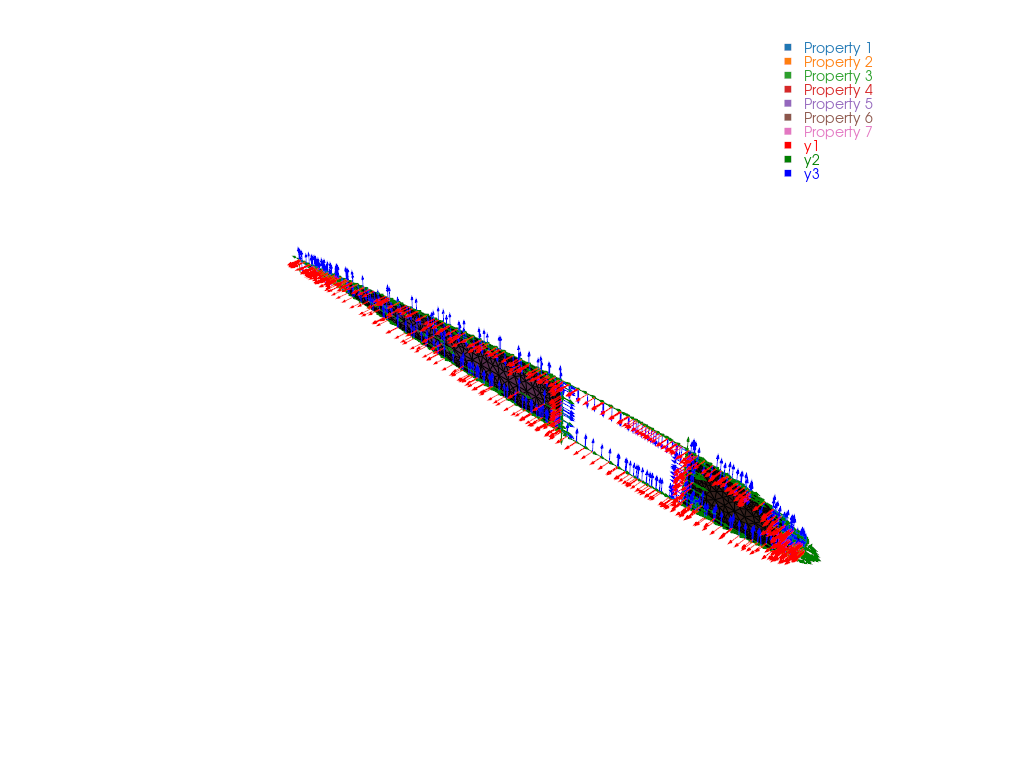
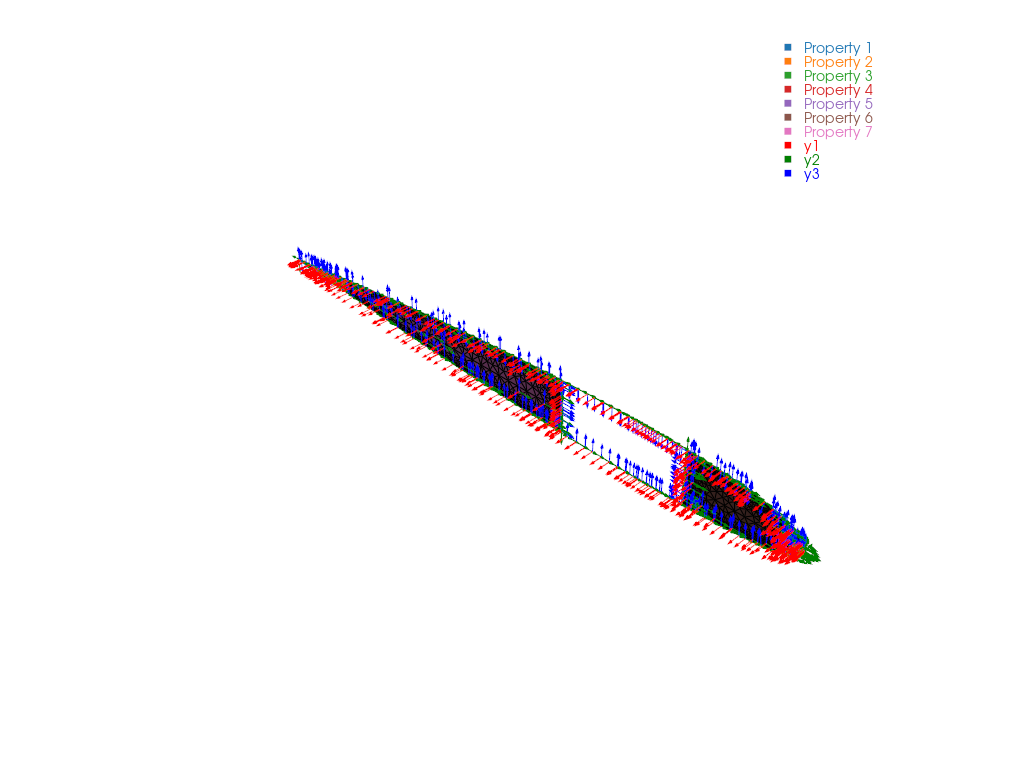
The same section and its sampled element-local axes are rendered with PyVista:
File List#
run.py: Main Python script
sg21eb_tri3_vabs40.sg: VABS cross-section input file
sg21eb_tri3_vabs40.sg.K: VABS beam properties output
pyvista.png: PyVista mesh and local-axis preview