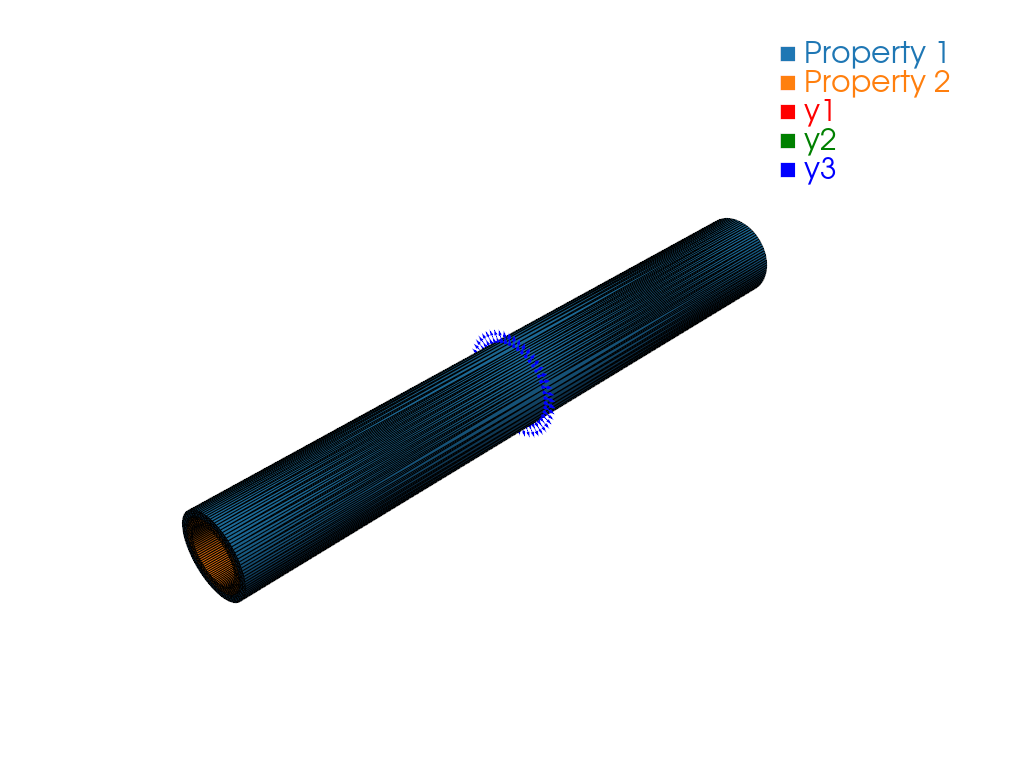
Read SwiftComp Dehomogenization Output (Local Stress Fields)#
Problem Description#
After running SwiftComp dehomogenization analysis on a 3D solid structure gene, read the local state output files, map the stress data onto the mesh, and export to Gmsh for visualization.
Solution#
import logging
from pathlib import Path

import sgio

logging.basicConfig(level=logging.INFO)
cwd = Path(__file__).resolve().parent

input_file = str(cwd / 'sg31t_hex20_sc21.sg')
output_file = str(cwd / 'sg31t_hex20_sc21.sg.sn')

# Read the SwiftComp input file
sg = sgio.read(
    filename=input_file,
    file_format='sc',
    sgdim=3,
    model_type='BM1',
)

# Read the SwiftComp output file
state_cases = sgio.read_output_state(
    filename=input_file,
    file_format='sc',
    analysis='d',
    tool_version='2.1',
    sg=sg,
    extension=['sn', 'snm'],
)

# Get the first and only one state case
state_case = state_cases[0]

# Add data to the mesh
sgio.add_cell_dict_data_to_mesh(
    dict_data=state_case.getState('s').data,
    name=['S11', 'S12', 'S13', 'S22', 'S23', 'S33'],
    mesh=sg.mesh
)

# Write the mesh to a gmsh file for visualization
sgio.write(
    sg=sg,
    filename=input_file.replace('.sg', '.msh'),
    file_format='gmsh',
)

plotter = sgio.plot_sg_pyvista(
    sg,
    show_local_axes=True,
)
plotter.off_screen = True
plotter.show(screenshot=str(cwd / "pyvista.png"), auto_close=False)
plotter.close()
analysis='d' selects dehomogenization output. extension=['sn', 'snm'] reads the SwiftComp local state files. getState('s') retrieves the Cauchy stress tensor. The six components are added to the mesh as cell data arrays named S11, S12, S13, S22, S23, S33.
Result#
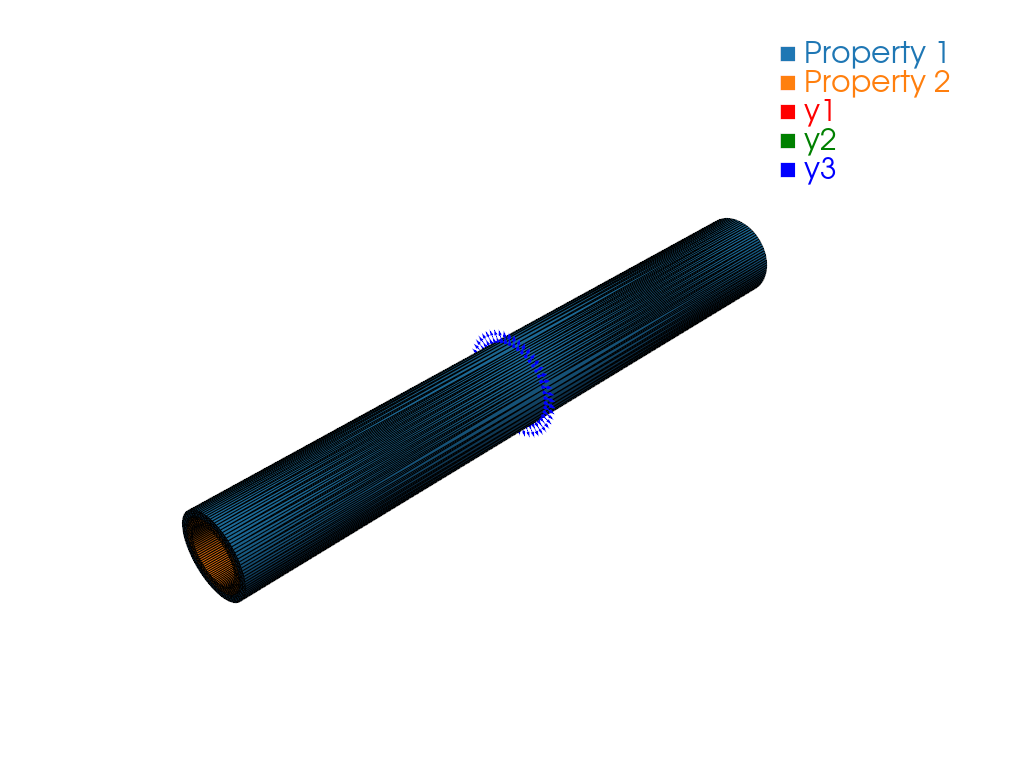
A Gmsh .msh file is written with stress components as cell data. Open it with:
gmsh sg31t_hex20_sc21.msh
File List#
run.py: Main Python script
sg31t_hex20_sc21.sg: SwiftComp 3D input file
sg31t_hex20_sc21.sg.sn: SwiftComp dehomogenization output (node data)
sg31t_hex20_sc21.sg.snm: SwiftComp dehomogenization output (material-frame node data)
pyvista.png: PyVista stress-field preview