Convert Gmsh Mesh to SwiftComp#
Problem Description#
Given a 3D tetrahedral mesh generated in Gmsh (.msh format), convert it to a
SwiftComp input file for 3D solid homogenization.
Solution#
The mesh alone does not carry materials or analysis settings, so the example
uses an SG manifest: sg33_cube_tetra4_min_gmsh41.sg.json references the
.msh file and supplies sgdim, the model type, the analysis configuration,
the materials, and the sections that bind physical groups to them. See
SG Manifest.
import logging
from pathlib import Path

import sgio

logging.basicConfig(level=logging.INFO)
cwd = Path(__file__).resolve().parent

manifest = cwd / 'sg33_cube_tetra4_min_gmsh41.sg.json'
output_file = cwd / 'sg33_cube_tetra4_min_gmsh41.sg'

# The SG manifest references sg33_cube_tetra4_min_gmsh41.msh and carries the SG parameters,
# materials and sections the mesh cannot hold.
sg = sgio.read(str(manifest), 'sg_manifest')

print(sg)

sgio.write(
    sg=sg,
    filename=str(output_file),
    file_format='sc',
    format_version='2.1',
)

plotter = sgio.plot_sg_pyvista(
    sg,
    show_local_axes=True,
)
plotter.off_screen = True
plotter.show(screenshot=str(cwd / "pyvista.png"), auto_close=False)
plotter.close()
sgio.read() with 'sg_manifest' assembles the manifest and the mesh into a
sgio.StructureGene; the manifest’s model_type SD1 selects the 3D
solid model.
sgio.write() then emits SwiftComp 2.1 input.
Result#
A SwiftComp 2.1 input file sg33_cube_tetra4_min_gmsh41.sg is written and ready for homogenization.
File List#
run.py: Main Python script
sg33_cube_tetra4_min_gmsh41.msh: Gmsh mesh file
sg33_cube_tetra4_min_gmsh41.sg.json: SG manifest
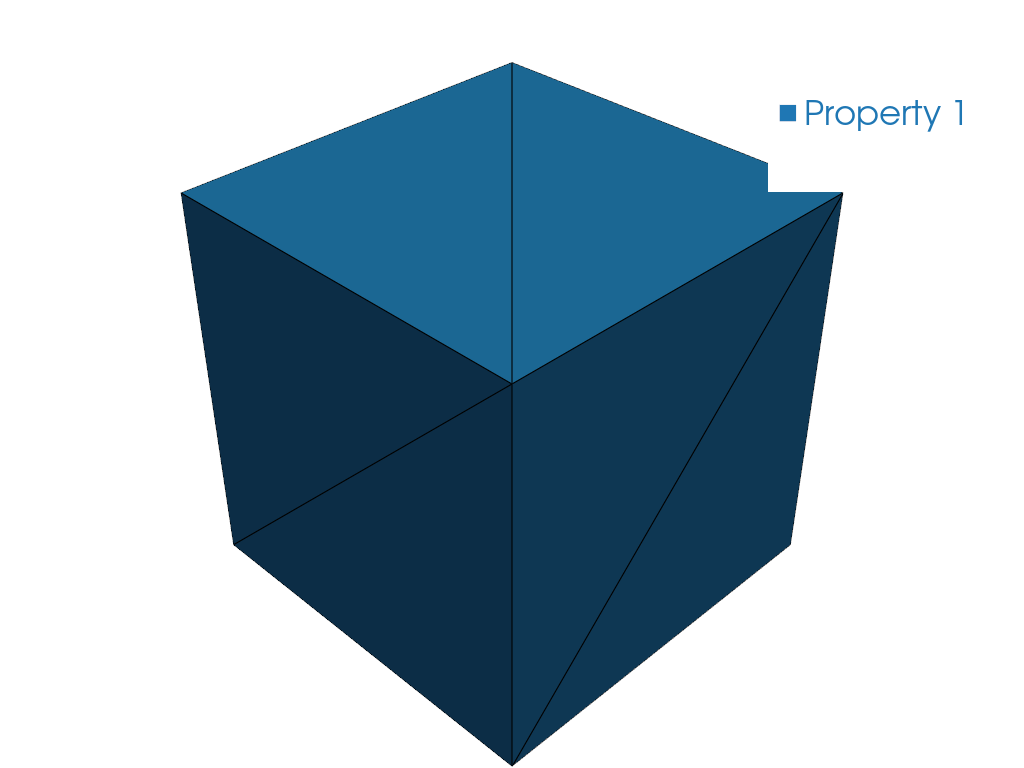
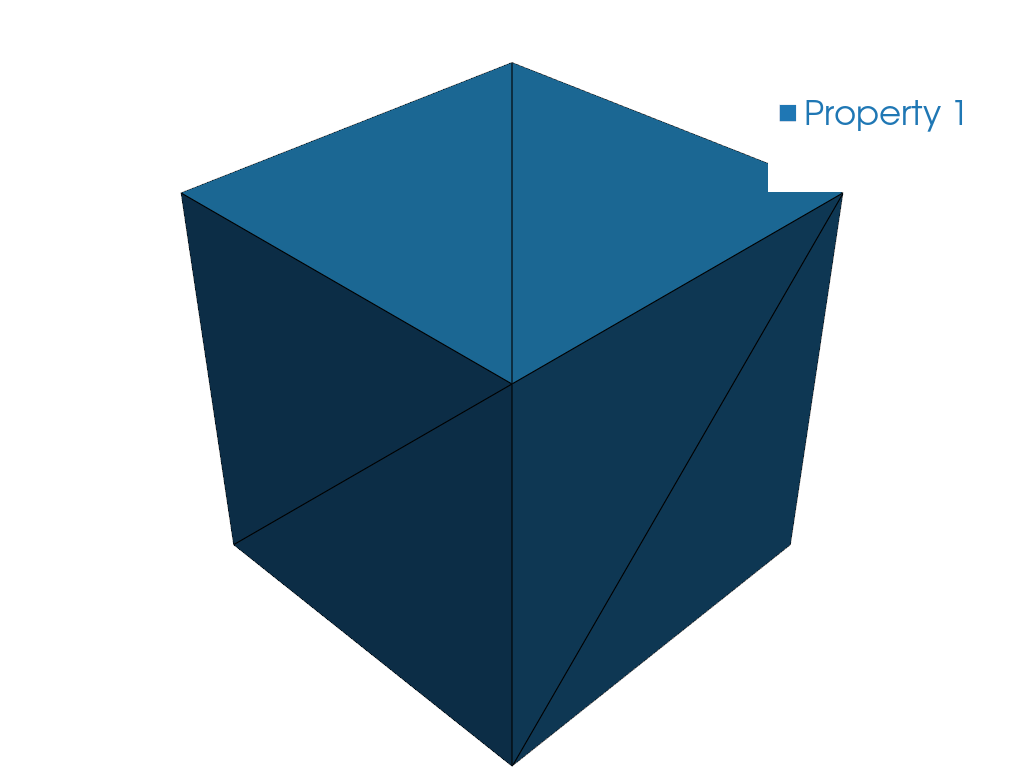
pyvista.png: PyVista mesh preview